QR codes, guest uploads, the print-ready album — the stuff people ask before they buy.
How do guests upload wedding photos?
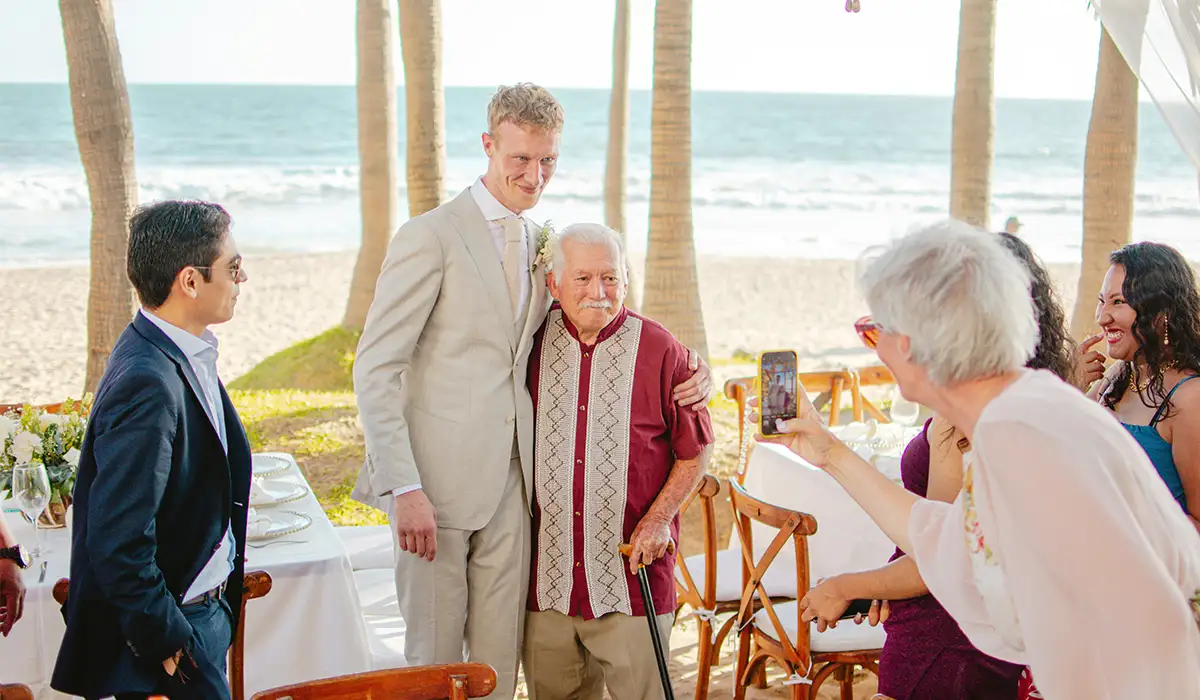
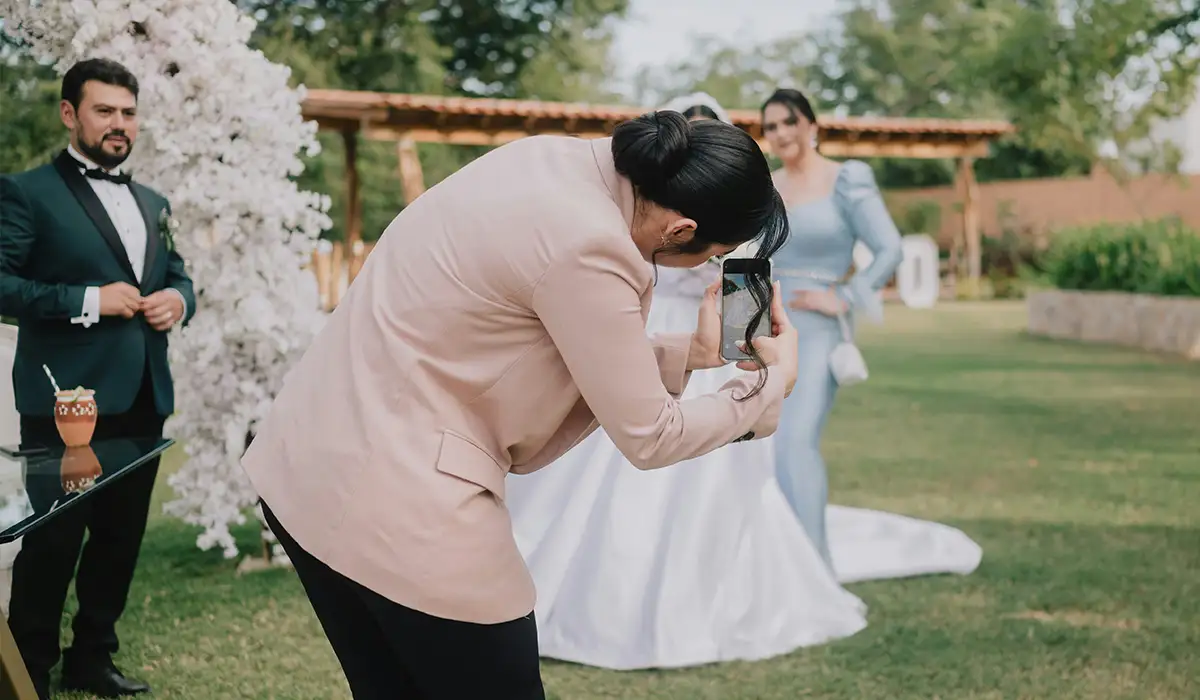
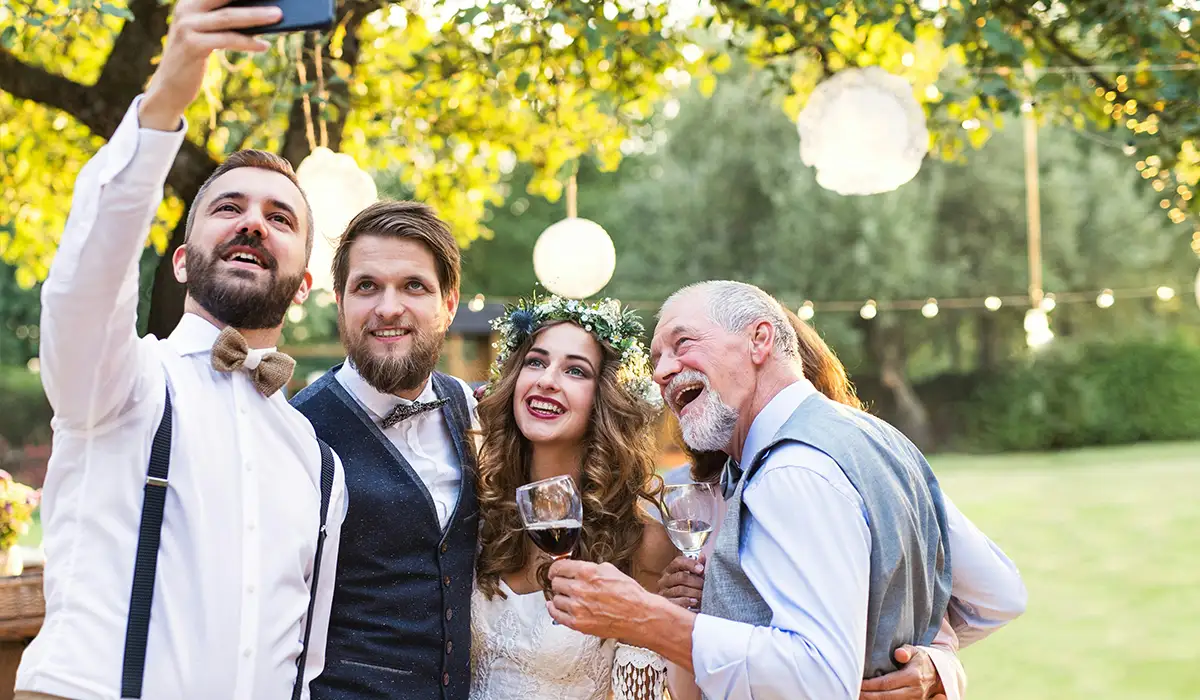
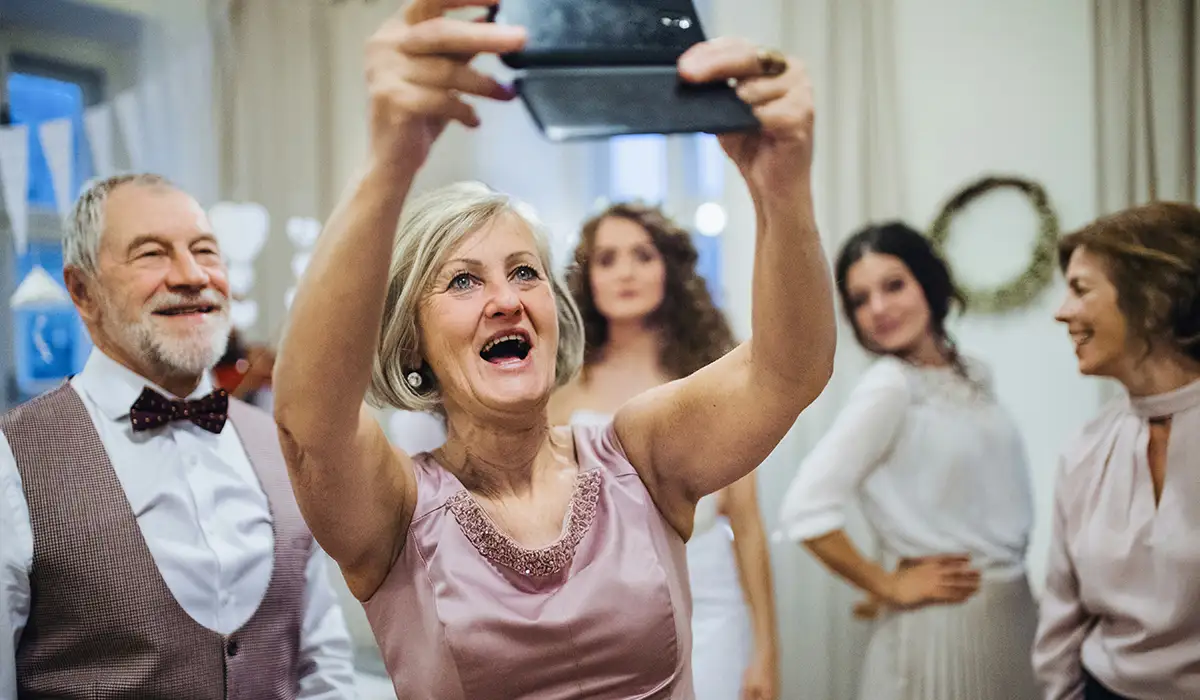
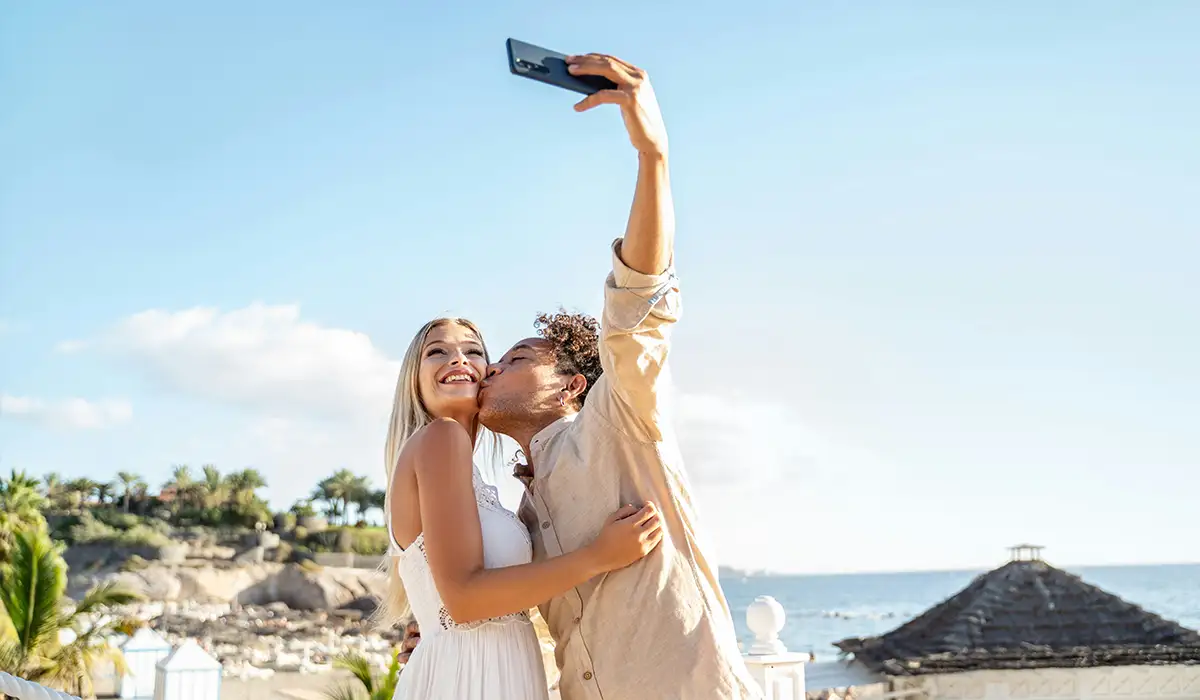
You print a QR code (we include 18 templates) and put it on tables, signs, or the bar. Guests scan it with their phone camera, open the link in their browser, and upload photos or videos — no app and no account required.
Do guests need to download a wedding photo app?
No. Wedding Spark works in any phone browser — iPhone, Android, even the tablet your aunt brought. Guests scan your QR code for wedding photos and upload straight from the browser. That is the whole point.
Is this a digital guestbook or a physical guest book?
Both ideas, actually. Guests leave text, audio, and video messages in your digital guestbook during the wedding. Afterward, you get a print-ready PDF photo album built from your guests' favourite shots — ready for Mixbook, Costco, or any print shop. It is not a blank signature book from a craft store; it is a real photo album from the day.
How does the print-ready photo album work?
Guests heart their favourite photos during your six-month hosting window. You pick what goes in (or let the gallery use the most-liked shots). Wedding Spark generates a print-ready PDF in six formats — A4, 8×10, square, horizontal, vertical — US and EU sizes. You print it yourself for a fraction of what album vendors charge.
What is included for $49?
Everything: unlimited guest uploads (photos, videos, audio), 18 printable QR templates, scavenger hunt photo challenges, digital guestbook, moderation, privacy controls, custom gallery URL, co-organizers, ZIP download, print-ready album PDF, and six months of hosting from activation. No tiers, no upsells.
How long is hosting included?
Six months from the date you activate your gallery — not from the day you pay. Buy early, activate when you are ready. Download everything as ZIP or photobook PDF before the window ends; the files are yours to keep forever.
Can I approve uploads before guests see them?
Yes. Turn on moderation in your dashboard and every photo, video, or message waits for your approval before it goes live. You can also hide the gallery entirely until you are ready, or run a private album only you and your partner can see.
How is this different from a shared Google Photos album?
Guests do not need a Google account, an app, or a login. One QR code on the table beats texting 80 people after the wedding. You also get audio and video guestbook messages, scavenger hunt challenges, moderation, and a print-ready PDF album — not just a folder of JPEGs.