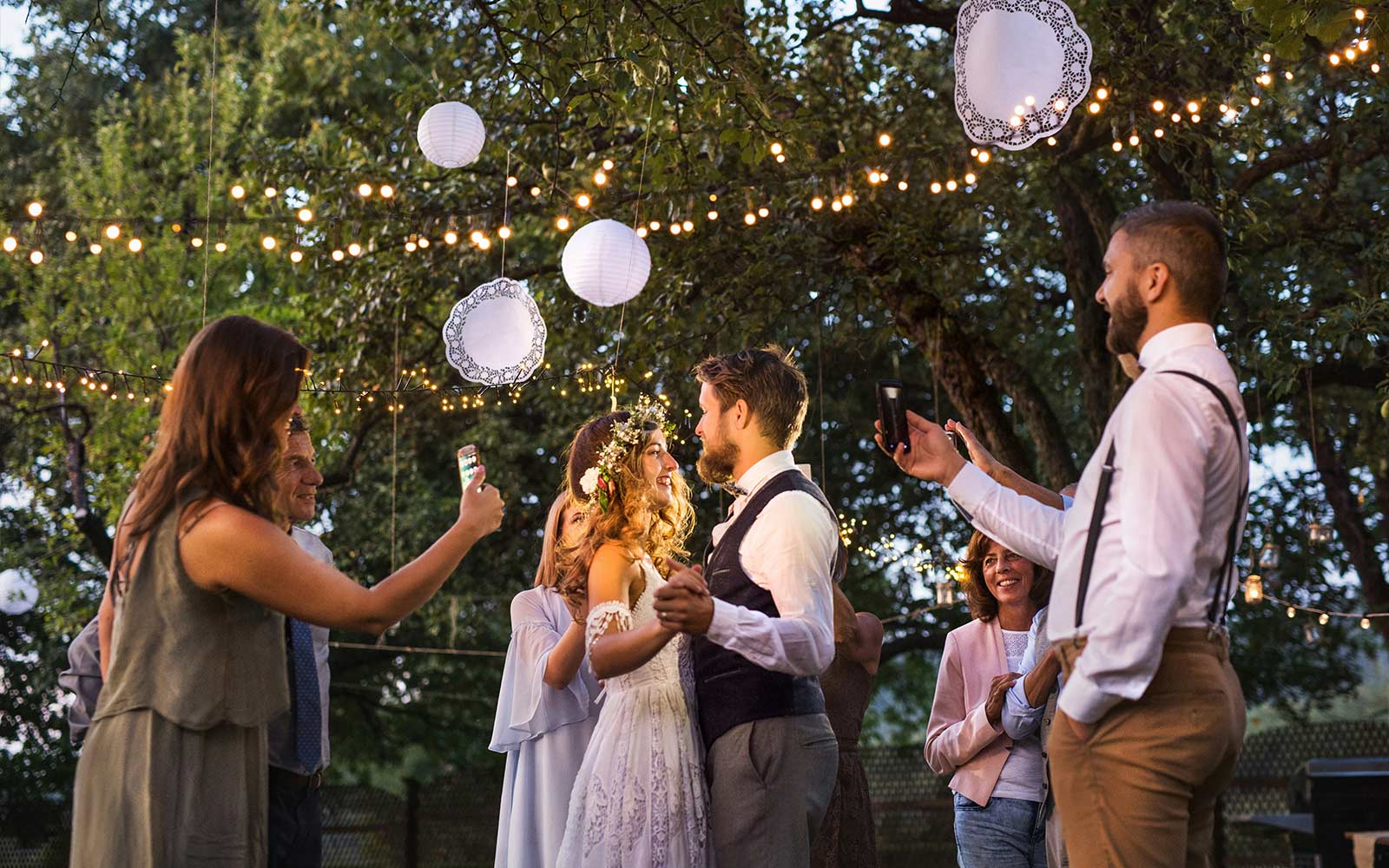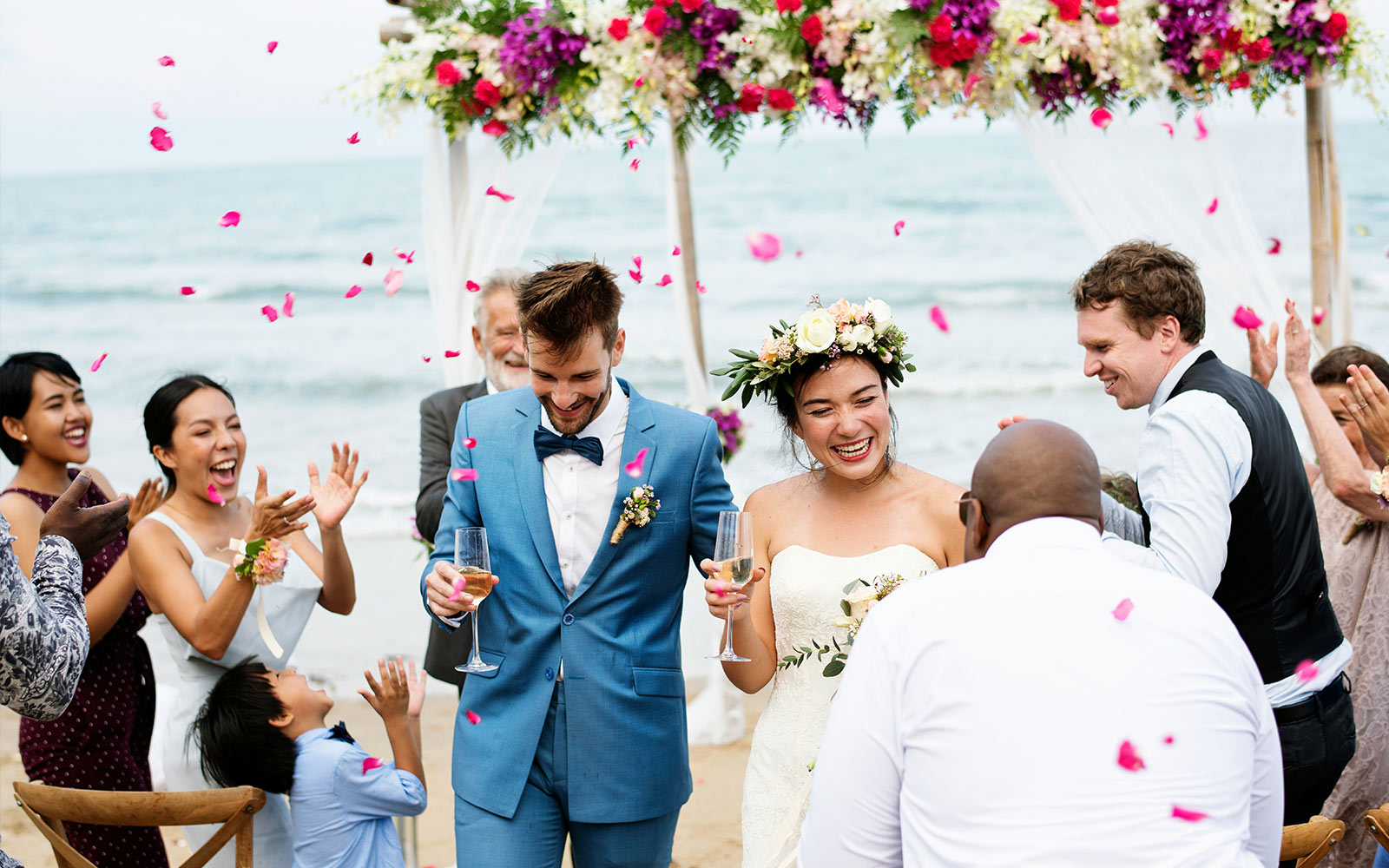
Somewhere on your camera roll is proof of this problem: a wedding you attended, a handful of great photos you took, and the near-certainty that you never sent them to the couple. Not out of malice — you just didn't have an easy way to, and the moment passed. Now imagine that happening across your entire guest list, and you understand exactly why a wedding photo sharing app exists.
I went looking for one before my own wedding, got lost in the options, and eventually built my own. So let me explain what these tools actually are, how the good ones work, and how to tell them apart — without the marketing gloss.
What a wedding photo sharing app actually does
Strip away the branding and every wedding photo sharing app is trying to solve one thing: your guests took hundreds of photos, and you'll see almost none of them unless there's a single, dead-simple place for everyone to drop what they captured.
A good one gives you:
- One shared gallery where every guest's photos and videos land together.
- A way in that anyone can use — ideally a QR code that opens in the browser, no install.
- The full-resolution originals to download and keep, not compressed thumbnails.
- Some control — the ability to moderate what appears, and a real window of time before anything expires.
That's the job. Everything else is a feature.
The "app" that isn't an app (and why it wins)
Here's the twist that took me too long to understand: the best "wedding photo sharing app" often isn't an app you download at all.
The instant you ask a guest to install something, you lose a chunk of them — and it's never a random chunk. It's the parents, the grandparents, the family friends who took the warmest, most candid shots. They're at a party, holding a drink, on someone else's Wi-Fi, and "download our wedding app" is where their participation ends.
The version that fixes this is a QR code that opens in the phone's browser. Guest points their camera at the code on the table, taps the link, and uploads — no app store, no account, no password. That's how The Wedding Spark works, and it's the entire reason it collects from the whole room instead of the tech-savvy third of it. If you want the deeper strategy, I laid it all out in how to get wedding photos from guests.
Free vs paid: the honest trade-off
You don't strictly need a paid tool. You need to know what the free route costs you in effort.
Free — a Google Photos or Apple Shared Album. Genuinely fine for a small, casual, tech-comfortable wedding. You create an album, share a link or QR, and people add photos. The trade-offs: Apple's albums favor iPhones and leave Android guests fumbling, Google Photos wants people signed in, both compress video and eat your personal storage, and there's no moderation or keepsake album. You are the tech support.
Paid — a dedicated service. You're paying to make all of that someone else's problem: no-app access, video at quality, moderation, and often a print-ready album at the end. Prices range from per-event fees to subscriptions — and there, watch two clauses: does it delete your photos on a short timer unless you keep paying, and are downloads full resolution? A one-time price with a clear hosting window (The Wedding Spark is $49 for six months) sidesteps both.
What to look for before you pick one
Run any option past this short list:
- Zero-install access. Can a guest contribute without downloading anything? If not, expect a fraction of the photos.
- Video, not just photos. The speeches and the first dance are half the day. Confirm the video limit.
- Full-quality downloads. You want the originals, not a wall of thumbnails.
- How long it stays up. Anything under a month is a trap unless you plan to subscribe forever.
- One scan, many jobs. The best setups let the same QR collect photos, video, and even guest book messages — so you're running one thing, not three.
If you want to see how the specific brands stack up — the dedicated apps, the free cloud albums, and the no-app tools — I compared them side by side in the best wedding photo sharing apps.
The mistakes that quietly lose you photos
Even with the right tool, a few small missteps decide whether you end up with hundreds of photos or a disappointing handful. These are the ones I see most.
- Hiding the code. A single QR at the entrance collects a fraction of what a code on every table does. People upload when the prompt is right in front of them, not when they have to remember something from the doorway three hours ago.
- Never announcing it. A sign alone is easy to miss. One sentence from the MC — "scan the code on your table to send us your photos" — early in the reception does more than any amount of signage. Say it once while people are seated and paying attention.
- Relying on "after the wedding." The single biggest leak. Photos uploaded in the moment outnumber the ones you chase later by a wide margin, because a week on, everyone's good intentions lose to a full camera roll and real life.
- Choosing a tool that compresses. If you pick something that shrinks images (most messaging-based methods do), your photos arrive soft and un-printable. Confirm you get the full-resolution originals before the day.
- Forgetting video. Half the day is motion — the speeches, the entrance, the first dance. If your tool caps video hard, you lose it. Check the limit.
What happens after the wedding
The part people don't think about is the after, and it's where a real tool earns its keep. When everything's collected in one gallery, you spend the week after your wedding actually reliving it — scrolling hundreds of angles you never saw — instead of sending a dozen "hey, could you send me those photos?" texts that half go unanswered.
From there you download the full-resolution originals to back up, and pull your favorites into a keepsake. Plenty of couples fold the best guest candids into a print-ready album next to their professional shots, so the book on the shelf includes the moments the photographer wasn't standing next to. That's the quiet payoff of collecting properly on the day: months later, you have the whole wedding in one place, not scattered across two hundred phones you'll never see again. For the full method, see how to get wedding photos from guests and the specific angle on wedding guest photos.
The one-sentence version
A wedding photo sharing app is just a shared gallery your guests can add to — and the best one is whichever removes the most friction, because at a wedding, friction is measured in lost photos. Give people a QR code instead of a download, and you'll actually get to keep the day the way the whole room saw it.
Frequently Asked Questions
Collecting guest photos?
The Wedding Spark gives your guests a QR code to upload photos and videos — no app, no login. One-time $49, includes 6 months of hosting.
See How It Works